Bulk Keyword Management Google Ads Editor: 6 Proven Steps for Large Accounts
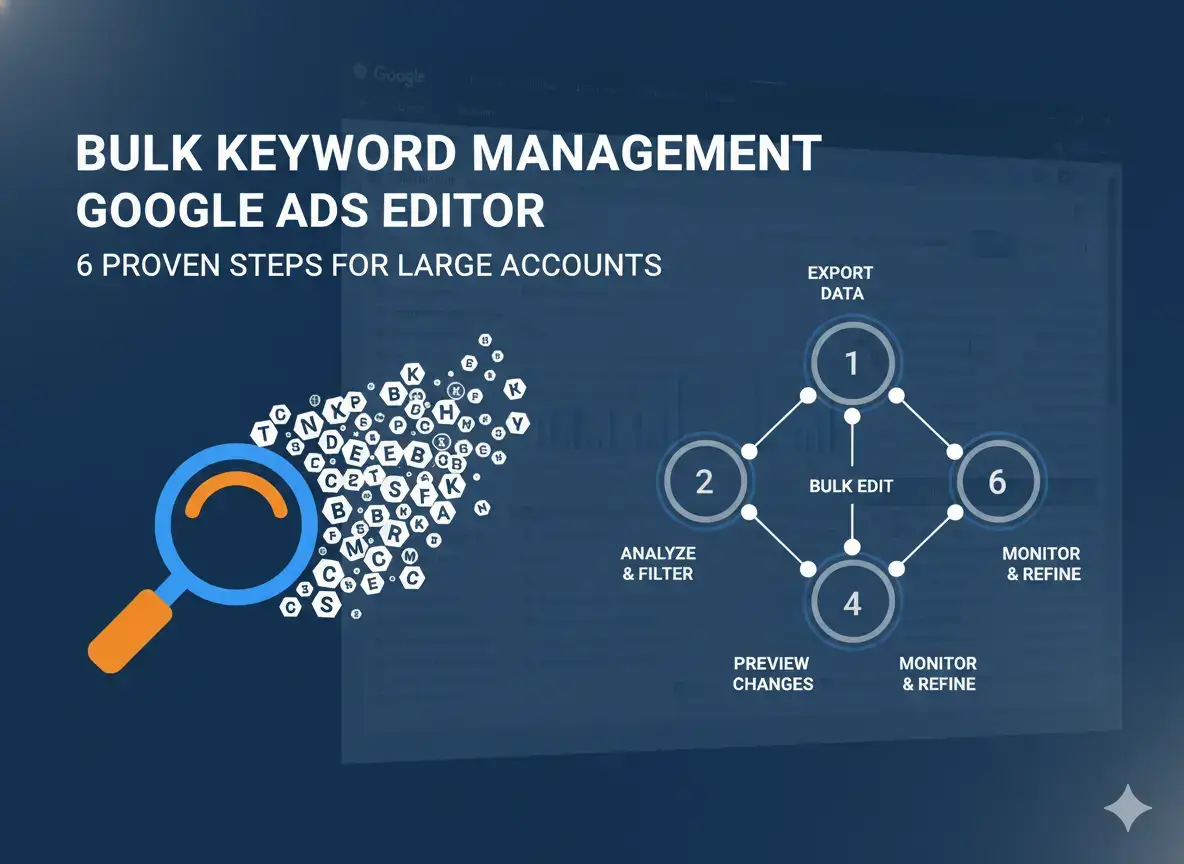
Master bulk keyword management in Google Ads Editor with 6 proven steps. Pause, delete, add negatives, and use CSV import across thousands of keywords efficiently.
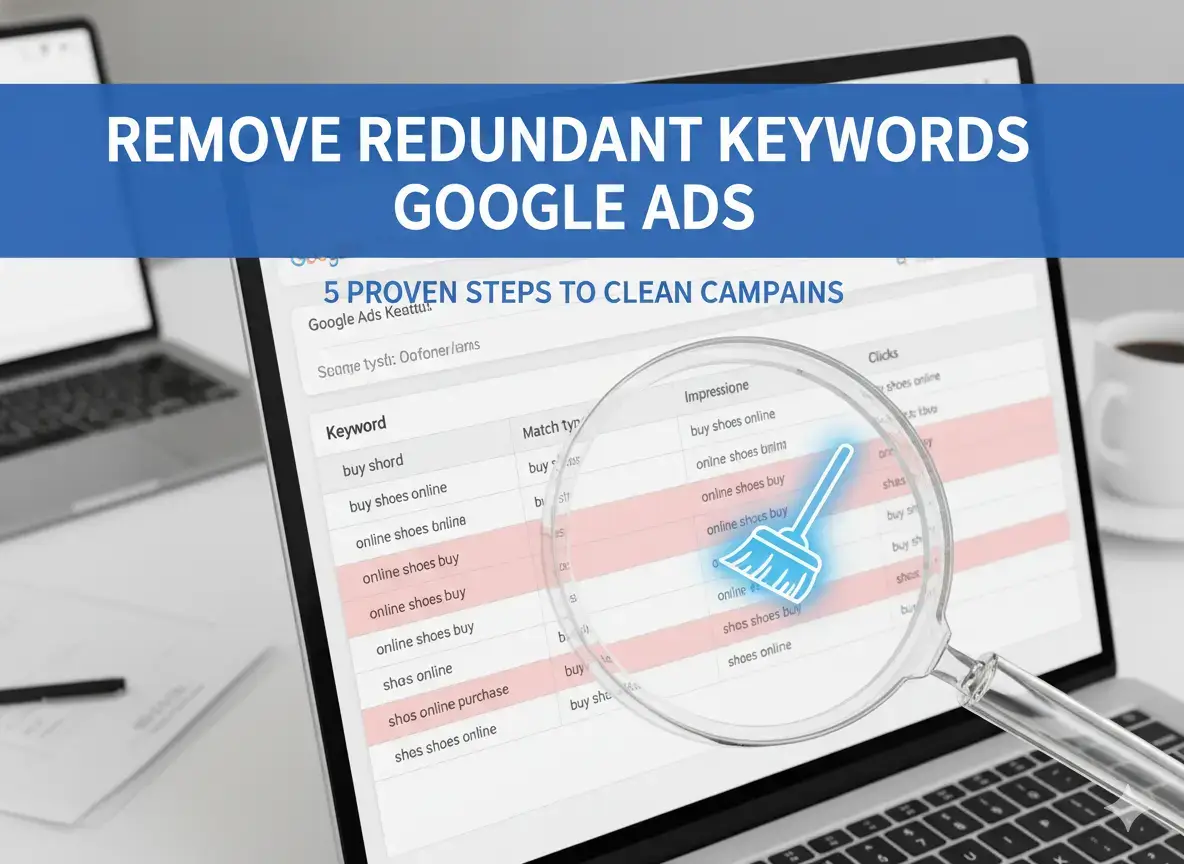
Remove redundant keywords in Google Ads the right way. 5 proven steps to evaluate Google’s recommendations, check Quality Score, and avoid costly mistakes.
Pause vs delete keywords in Google Ads: the decision framework that protects Quality Score and saves budget. Know exactly when each action is correct.
Clear Chrome address bar suggestions in seconds. Use Shift+Delete for one entry, clear all history with one shortcut, or disable Google predictions entirely.
Stop Google from saving your searches in 4 steps. Pause Web and App Activity, delete existing history, set auto-delete, and clear Chrome separately.
Delete Google search history completely on any device in under 3 minutes. Covers both Google Account history and Chrome browser history with exact steps.
Master keyword removal management across Google Ads, SEO, personal privacy, and brand reputation. 4 proven strategies to stop wasted spend and protect your search presence.
How to improve Core Web Vitals: LCP, INP, and CLS with 12 proven fixes. Confirmed Google ranking signals, real code examples, and template-level strategies that move hundreds of pages.
How to fix duplicate content in SEO: 5 proven methods matched to each source of duplication. Decision table, canonical code examples, and no-nonsense guidance on what actually matters.
How to fix redirect chains in 5 proven steps. Find every multi-hop chain with Screaming Frog, update links before touching redirect rules, and prevent new chains forming.