

About this article: I have diagnosed overnight traffic drops across dozens of websites, from small local service businesses to mid-size content operations across multiple industries. Every cause and every fix in this guide comes from that direct work. None of it is theory assembled from other articles.
Your website traffic dropped overnight. You opened your analytics this morning and the line that was moving yesterday has collapsed. You did not change anything. You did not touch the site. Nothing looks different from the outside. But the numbers are gone.
The worst thing you can do right now is start making changes without knowing what happened. I have been in this situation with clients many times. The people who recover quickly are the ones who diagnose before they act. The ones who make it worse are the ones who immediately start rewriting content, changing site structure, or disavowing links based on a guess about what went wrong.
This guide walks you through every real cause of an overnight traffic drop, in the exact order I check them myself. Follow the sequence. By the end, you will know what happened and what your next move is.
Table of Contents
The Most Important Question: Is the Drop Actually Real?
Before you look at algorithm updates, backlink profiles, or technical audits: the single most important question when your website traffic dropped overnight is whether the drop is real or whether your measurement of it broke.
These are completely different problems with completely different solutions.
A broken analytics setup looks identical to a real traffic drop inside your dashboard. Traffic is still arriving at your site. Google is still sending visitors. Your rankings are unchanged. But because the tracking code stopped firing, your dashboard shows zero. You are looking at a measurement failure, not a business problem.
I have seen this exact situation many times. A developer pushed a site update and accidentally removed the Google Analytics tag from the header template. An analytics plugin was silently disabled during a WordPress core update. A Google Tag Manager container was misconfigured after a routine edit. A site migration moved from HTTP to HTTPS and the old Analytics property kept monitoring the old version.
In every case, the person began making changes to a site that was completely fine, and those changes created new problems.
Check this before anything else. It takes three minutes.
Realtime check: Open Google Analytics and navigate to the Realtime overview report. Now open your website in a separate browser window and click around several pages. You should appear as an active user in the Realtime data within 30 seconds. If you are browsing your own site and the Realtime report shows zero users, your tracking code is not firing. Your traffic may be perfectly normal. You simply cannot see it.
Search Console cross-check: Open Google Search Console and look at the Performance tab. Compare impressions and clicks for the period before and after the analytics drop. Search Console tracks impressions independently of your Analytics setup. If Search Console shows normal impressions and clicks while your Analytics shows zero, the tracking is broken and your site is fine.
Source code check: Right-click anywhere on your website, select View Page Source, press Ctrl + F (or Cmd + F on Mac), and search for your Analytics measurement ID. It starts with G- followed by letters and numbers. If you cannot find it in the source code, the tag is not on that page and your dashboard is reporting nothing because there is nothing to report.
If tracking is confirmed broken: re-install or restore the previous version of the tracking code that was working. Verify it fires in Realtime. Done. No other action needed.
If Search Console also shows the drop: the problem is real. Move to Cause 1.
Cause 1: Your Analytics Tracking Stopped Working
This is the first thing I check every single time someone tells me their website traffic dropped overnight. Not because it is the most dramatic explanation. Because it is the most common one.
There are four specific situations that cause this, and all of them are invisible unless you go looking.
A code update removed the tracking snippet. Someone pushed a site change and the Analytics tag was not carried over to the new version of the header or footer template. This is especially common after theme updates on WordPress, custom development deployments, or CMS migrations. The developer tested the visual design. Nobody tested whether the tracking still fires.
A plugin was silently disabled or updated. If your Analytics runs through a plugin rather than being hardcoded, a plugin update can break the connection without any visible error in your WordPress dashboard. The plugin still shows as active. The connection to Analytics is not working.
Google Tag Manager was misconfigured. If you use GTM to manage tracking, a misconfigured trigger, an incorrect variable, or a container published without proper testing can stop all tracking from firing. The GTM snippet is still on the page. But the tags inside it are not triggering.
A domain or HTTPS migration went wrong. If your site recently moved from HTTP to HTTPS, changed domains, or added a subdomain, and the Analytics property was not updated to match the new canonical domain, traffic is arriving but being attributed to a property you are no longer monitoring.
Confirming this cause: Use the three-step check from Step Zero. If Realtime shows zero while you are actively browsing, and Search Console shows normal impressions during the same period your Analytics shows nothing, tracking failure is confirmed.
The fix: Identify exactly which change broke the tracking. Restore the tag to the correct template, update the GTM container and publish it correctly, or reconnect the plugin. Verify it fires in Realtime. Check the Coverage report in Search Console to confirm no actual indexing issues exist alongside the tracking failure.
Cause 2: A Google Algorithm Update Hit Your Site
If your tracking is confirmed working and Search Console also shows a drop, the next most likely cause of an overnight traffic collapse is a Google algorithm update.
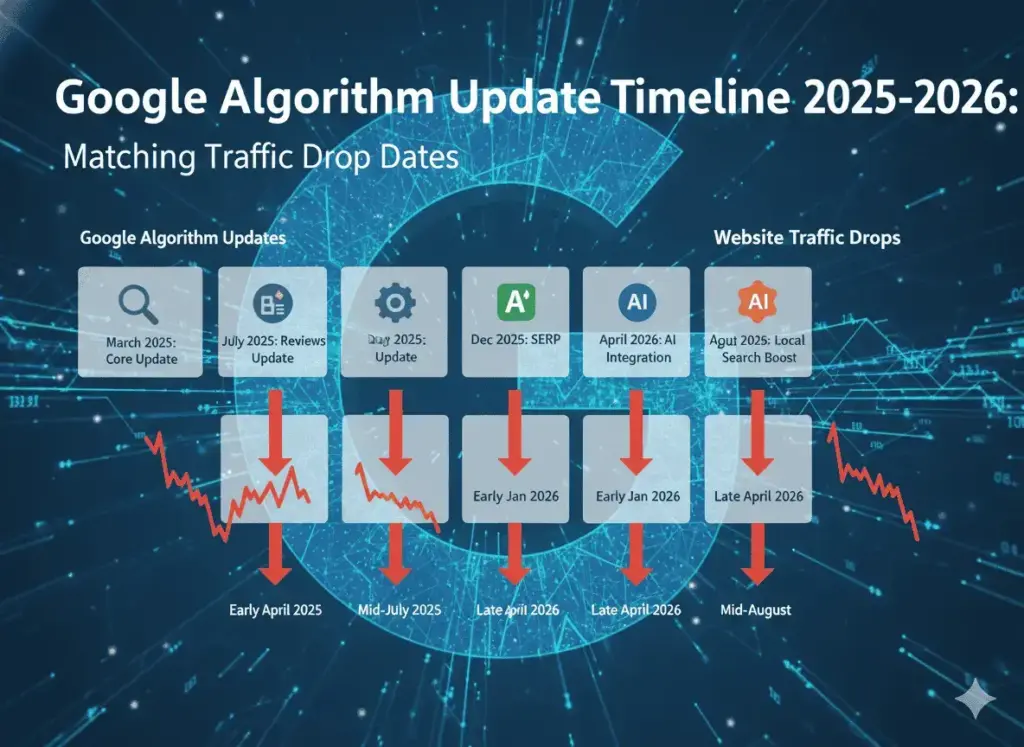
Google runs major core updates several times per year. In 2025, there were three confirmed core updates: March 13 to 27, June 30 to July 17, and December 11 to 29. Google rolled out the March 2026 Core Update beginning around March 27, 2026. Beyond these major updates, Google makes thousands of smaller adjustments throughout the year. Many of them are unannounced.
What a core update actually is: A core update is not a penalty. This distinction is important and frequently misunderstood. A core update is a recalibration of how Google evaluates content quality and relevance across all search results simultaneously. Google is not targeting your site specifically. It is adjusting its understanding of what constitutes genuinely helpful, trustworthy, and relevant content. Sites that previously ranked for certain queries may drop when the evaluation standard shifts. Sites that provide genuinely better coverage of a topic rise.
Think of it as a grading rubric update. Your content did not get worse. The rubric changed and your content scores differently on the new criteria.
How to confirm:
Check the Google Search Status Dashboard. Match the date of your traffic drop to any update listed there. Also check Search Engine Journal and Search Engine Land, which publish real-time coverage of algorithm update rollouts with exact dates.
Look at which keywords and pages dropped. If the losses are broad across many different page types and topic areas, a core update is more likely. If only specific pages dropped, a technical or content-specific issue is more likely.
What to do:
Do not make major content changes while the update is still rolling out. Updates take one to three weeks to fully settle and rankings shift throughout the entire rollout period. Changes made during an active rollout are impossible to evaluate.
After the rollout completes, audit your top-traffic pages before the drop and compare them against what is now ranking above them for those same queries. Ask honestly: is the content that displaced mine more comprehensive, more current, more experiential? That gap is your recovery direction.
Cause 3: A Manual Penalty Was Issued by Google
A manual penalty is categorically different from a core update, and it needs to be ruled out quickly.
A manual penalty is a deliberate action taken by a human reviewer at Google who found a specific guideline violation on your site. The most common causes are paid or manipulative backlinks, thin or auto-generated content produced at scale, deceptive redirects, keyword stuffing, and cloaking.
Manual penalties cause sudden, dramatic drops. An overnight loss of 70 to 100 percent of organic traffic is the signature pattern. Core updates rarely produce drops this severe or this sudden.
How to confirm:
This is the only cause where Google tells you directly what happened. Go to Google Search Console, navigate to Security and Manual Actions, then Manual Actions. If a penalty has been issued, you will see an explicit message describing the specific violation. If this section shows no notices, a manual penalty is not the cause. Move on.
What to do:
Read the notice carefully. It names the specific violation. Fix that violation completely. Document every change you made. Submit a reconsideration request through Search Console and be specific and thorough about what you fixed and why the issue will not recur. Vague requests get rejected. A proper reconsideration response explains the problem, the fix, and the prevention measure. Review timeline: typically four to eight weeks after submission.
Cause 4: A Technical Issue Started Blocking Your Pages
Technical problems can make your traffic disappear as suddenly as any algorithm change. The difference is that technical causes are usually fixable within hours once correctly identified.
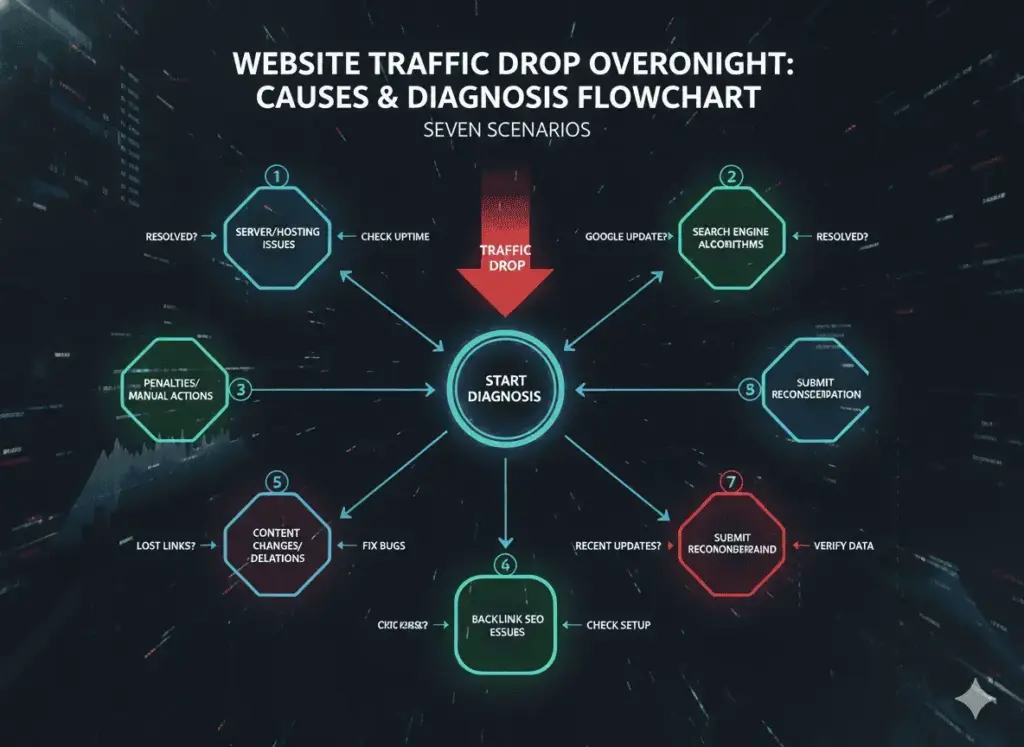
These are the specific technical causes I find most often in overnight traffic drops.
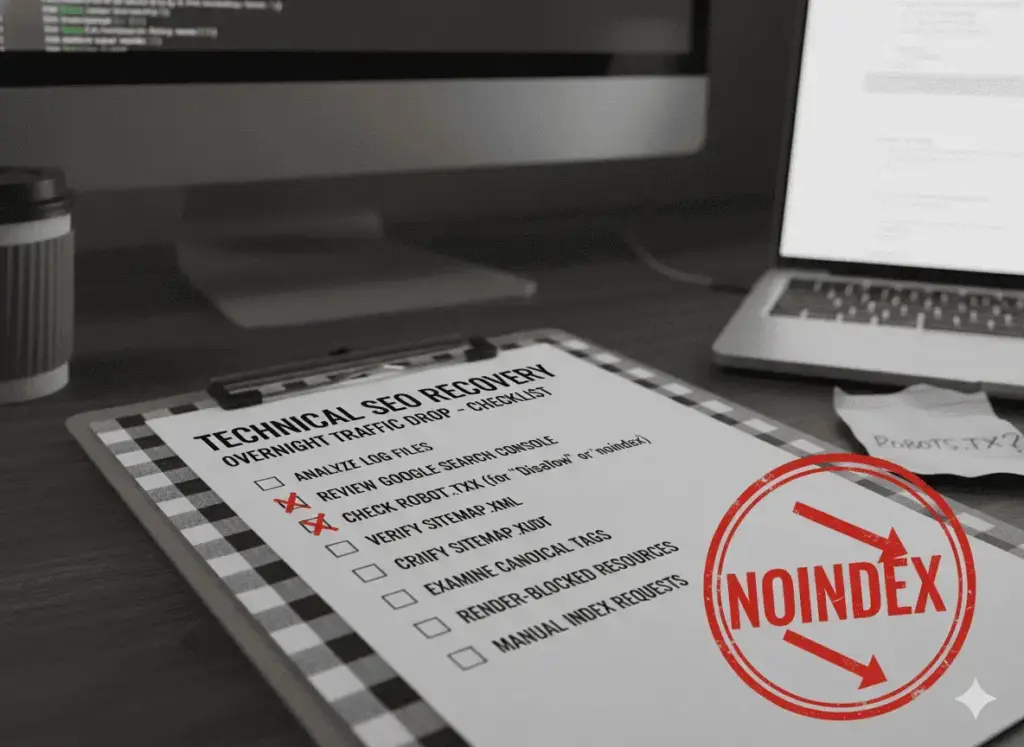
Accidental noindex tag applied site-wide. A single CMS setting change can add a noindex meta tag to every page simultaneously, instructing Google to remove those pages from search results. On WordPress, the setting lives under Settings, then Reading. It is called “Discourage search engines from indexing this site.” This checkbox exists so developers can prevent indexing during a staging or development phase. Many forget to uncheck it when going live.
Check this right now if you are on WordPress. Go to Settings, then Reading. If that checkbox is active, uncheck it and immediately submit your sitemap in Search Console and request re-indexing for your most important pages.
Robots.txt blocking crawlers. Visit yourdomain.com/robots.txt in your browser. If you see Disallow: / under User-agent: *, every search engine crawler is blocked from your entire site. This can happen after a staging environment configuration is carried into production.
Canonical tags pointing to wrong URLs. If canonical tags were changed during a site update to point to your homepage rather than to individual pages, Google treats every page except the homepage as duplicate content. None of the duplicated pages rank. This is invisible to visual inspection and requires looking at the page source or using an SEO auditing tool.
Rapid increase in crawl errors. If your server started returning 5xx errors around the time of the drop, Google may not have been able to access your pages during a critical crawl window. Check your hosting provider’s uptime log for that date and look at the Crawl Stats report in Search Console.
Both domain versions loading without a redirect. If both yourdomain.com and www.yourdomain.com load content without one redirecting to the other, Google splits ranking signals between two versions. Neither version builds full authority.
How to check all of this efficiently:
Open Google Search Console, go to Pages under the Indexing section, and look at the Excluded tab. Every excluded page is listed with the specific reason it was excluded. Look for patterns: are pages excluded by noindex tag? By canonical pointing elsewhere? By server errors? The pattern reveals the root cause in minutes rather than hours.
Cause 5: You Lost a Major Backlink or Referral Source
This cause is frequently overlooked because the instinct when traffic drops is to look at what Google did, not at what changed externally.
Backlinks serve two functions simultaneously. They send referral traffic directly from the linking site to yours. They also transfer domain authority, which affects your organic rankings. Losing a significant backlink can simultaneously reduce referral traffic and weaken organic positions for keywords that depended on that authority signal.
This happens in several concrete ways: a publication redesigns their site and removes links during the content migration, a domain that was linking to yours goes offline or is sold and redirected, a site owner updates their content and removes the reference to yours, or a partner relationship ends.
How to confirm:
Check your Google Analytics traffic sources for the period before and after the drop. Look specifically at the Referral traffic channel. If a specific domain that was previously sending you traffic disappears from the report, that link is gone.
For the organic ranking impact, use an SEO tool’s Lost Links report filtered to the date range when your traffic declined. Look for links removed from high-authority domains. Losing even one or two links from genuinely authoritative, relevant sites can produce a measurable ranking decline within days of Google recrawling.
What to do:
If the link was removed from a site that still exists, reach out directly. Explain the context of the link and the value of the content it was pointing to. Many link removals happen accidentally during site updates and publishers are genuinely willing to restore them when asked clearly.
If the domain is gone, focus on building replacement authority from other quality sources in your niche over the following weeks. This takes time but is the correct path.
Cause 6: A Competitor Made a Significant Move
Your traffic can drop not because anything went wrong on your site but because something went right on a competitor’s site.
A competitor who publishes a significantly better piece of content on a topic where you held strong rankings can displace your positions within days of Google recrawling and re-evaluating both pages. This happens faster than most people expect. When Google crawls the new competing page and determines it better satisfies the search intent, it updates the rankings. From your analytics perspective, this looks like an overnight drop.
Similarly, a competitor who earns a cluster of high-quality backlinks in your keyword space can shift rankings without any visible change to your content.
How to confirm:
In Search Console, look at which specific keywords lost the most impressions and clicks around the time of your drop. Search those keywords in Google. Are there pages now ranking above yours that were not there before? Look at when those pages were published or last significantly updated.
If a competitor’s page recently moved above yours, compare the two pieces of content directly. Is their page more specific? More current? Does it include original data, a practical framework, or first-hand examples your article lacks? Does it address questions your article ignores entirely?
What to do:
Update your content with genuine depth and differentiation rather than just adding more words. Pages that clearly serve the reader better than competing pages tend to recover their rankings once Google recrawls both. Add original insights, current data, and specific examples that competing pages lack. Then build additional external references pointing to your updated content to reinforce its authority.
Cause 7: You Are Looking at the Wrong Search Console Property
This is so simple that it almost never gets considered. But I have seen it produce weeks of unnecessary panic.
Google Search Console tracks performance by property. If your site is accessible at both https://yoursite.com and https://www.yoursite.com, these are different properties. If someone recently migrated your site from HTTP to HTTPS, changed domains, launched on a subdomain, or restructured the site architecture, traffic may now be recorded in a different property than the one you are monitoring.
The property you are watching looks empty. The actual traffic appears in a different property you are not watching.
How to confirm:
Check which property you are currently viewing in Search Console. Then check all available properties associated with your Google account and compare the data in each one for the same date range.
What to do:
If your traffic appears in a different property, consolidate your monitoring into the correct one. Set up a domain property rather than a URL prefix property so all versions of your domain are captured in one unified view going forward.

The Complete Diagnostic Sequence: Work Through This in Order
Every time I diagnose an overnight traffic drop, I use this exact sequence. Do not skip steps or jump ahead based on assumptions.
Step 1: Open Google Analytics Realtime. Browse your own site on a separate device or browser. If you do not appear as an active user within 60 seconds, your tracking is broken. Stop here. Fix the tracking before anything else.
Step 2: Open Search Console Performance. Compare impressions and clicks for the period before and after the drop. If impressions and clicks are normal in Search Console while Analytics shows zero, tracking is broken. If Search Console also shows a drop, the problem is real.
Step 3: Go to Search Console, Security and Manual Actions, then Manual Actions. If any notice appears, a manual penalty is the cause.
Step 4: Check the Google Search Status Dashboard and cross-reference your drop date with confirmed algorithm update rollout windows.
Step 5: On WordPress, go to Settings, then Reading, and confirm “Discourage search engines from indexing this site” is not checked. For all sites, visit yourdomain.com/robots.txt and confirm no broad Disallow rules are active.
Step 6: Open Search Console, Pages, Excluded tab. Review every exclusion reason listed. Look for patterns across excluded pages.
Step 7: View the source of your most important page and search for the canonical tag. Confirm it points to that specific page URL, not to your homepage or another URL.
Step 8: Check your Analytics traffic sources for disappearing referral domains.
Step 9: Check your Lost Links report in an SEO tool for the relevant date range.
Step 10: Search your most important keywords in Google and check whether competitors have displaced your positions recently.
Most overnight traffic drops are identified by step 2, 3, or 4. If you reach step 10 without finding the cause, you are dealing with a subtle content relevance shift that does not have a single overnight explanation.
Your Recovery Plan by Cause
Different causes require different responses. Here is what to do specifically after confirming each one.
If tracking broke: Fix the tracking code. Verify it is firing on every page using the Realtime report. Check your Search Console historical data to understand whether real traffic was also affected during the period, since Search Console operates independently of your Analytics setup.
If a core update hit: Wait for the rollout to fully settle, typically one to three weeks. Then audit your top declining pages against what now ranks above them. Make genuine content improvements based on what the competing pages do better. Do not make superficial changes. Do not change URL structure during recovery.
If a manual penalty was issued: Fix the specific violation described in the notice, document every change, and submit a thorough reconsideration request. Expect a review period of four to eight weeks.
If a technical issue was the cause: Fix the specific technical problem first. Then use the URL Inspection tool in Search Console to request re-indexing for affected pages. Monitor the Coverage report for improvements over the following two to three weeks.
If a significant backlink was lost: Reach out for restoration if the linking site still exists. If not, build replacement authority from other quality sources in your niche.
If a competitor displaced you: Update your content with genuine differentiation. Add original insights, more specific examples, and current data the competing page lacks. Build additional external references to your updated content.
If the property was wrong: Consolidate monitoring into the correct property. Verify actual site performance by reviewing the correct property’s historical data.
Frequently Asked Questions
Why did my website traffic drop overnight with no warning?
The most common reasons are: your analytics tracking stopped working and the drop is not real, a Google algorithm update recalibrated how your content is evaluated against competing pages, an accidental noindex tag or robots.txt change blocked your pages from search results, or a significant external link pointing to your site was removed. Work through the diagnostic sequence in this article in order. Most situations are identified within the first three or four steps.
How do I know if my website traffic drop is from a Google algorithm update or a technical problem?
Check two things. First, look at Search Console: if impressions dropped alongside clicks, and the drop date matches a known algorithm update rollout, an update is the likely cause. If impressions are fine but Analytics shows nothing, tracking is broken. Second, check Search Console Coverage for technical blocking errors. Technical problems typically show sudden, complete drops across all pages simultaneously. Algorithm update impacts tend to be partial and concentrated in specific page types or topic categories.
How long does it take to recover from an overnight traffic drop?
Recovery time depends entirely on the cause. A tracking fix restores visibility immediately. A technical fix restores rankings within days to weeks once Google recrawls the corrected pages. Algorithm update recovery typically takes three to six months of genuine content quality improvement. A manual penalty review takes four to eight weeks after submitting a complete reconsideration request.
Does Google notify you when your traffic drops because of an algorithm update?
No. Google does not send notifications for algorithm update impacts. Manual penalties are the only situation where you receive a direct notice in Search Console. For core update impacts, the only signal is the traffic change itself, which is why cross-referencing the drop date with the Google Search Status Dashboard is part of the standard diagnostic process.
My traffic dropped but my Google rankings look exactly the same. What does that mean?
Several possibilities. Your rankings may be stable but click-through rates dropped because an AI Overview or featured snippet now appears above your result and answers the query before users scroll to your link. Alternatively, you may be tracking only your main keywords while losing rankings on secondary terms you were not monitoring. Also confirm your analytics tracking is functioning correctly, since a tracking failure produces exactly this pattern of unchanged rankings with zero reported traffic.
Should I make emergency changes to my site immediately after a traffic drop?
Not before identifying the cause. Changes made without understanding what caused the drop frequently create new problems or make the original issue harder to diagnose. The correct sequence is: confirm the drop is real, identify the cause from the diagnostic sequence, then act specifically and only on that confirmed cause.
Can my website traffic drop overnight because of what a competitor did?
Yes. A competitor publishing significantly better content on a topic where you held strong rankings can displace your positions within days. From an analytics perspective this looks like an overnight collapse. Check Search Console for which specific keywords lost impressions and then search those keywords in Google to see which pages moved above yours recently.
What is the most common cause of overnight traffic drops that turns out to not be real?
Analytics tracking failure. I diagnose this regularly. The most frequent version: a developer deploys a site update that removes the Google Analytics tag from the header template. Traffic continues arriving and Search Console shows normal impressions and clicks. But because the GA4 measurement ID is no longer in the page source, the dashboard shows zero. Always check this first before investigating further.
What to Remember About This Situation
An overnight traffic drop feels more serious than it usually is. When you are staring at a collapsed traffic line, the instinct is to act immediately and decisively. That instinct almost always makes things worse.
The people who recover quickly are the ones who spend the first 30 minutes diagnosing correctly and the next days acting on that specific diagnosis. The people who struggle are the ones who spend weeks making changes based on guesses.
Run the sequence. Find the actual cause. Fix that specific thing.
If you want a second pair of eyes on your specific situation, someone who has worked through this dozens of times and can identify the cause and the fix without you having to figure it out alone: