
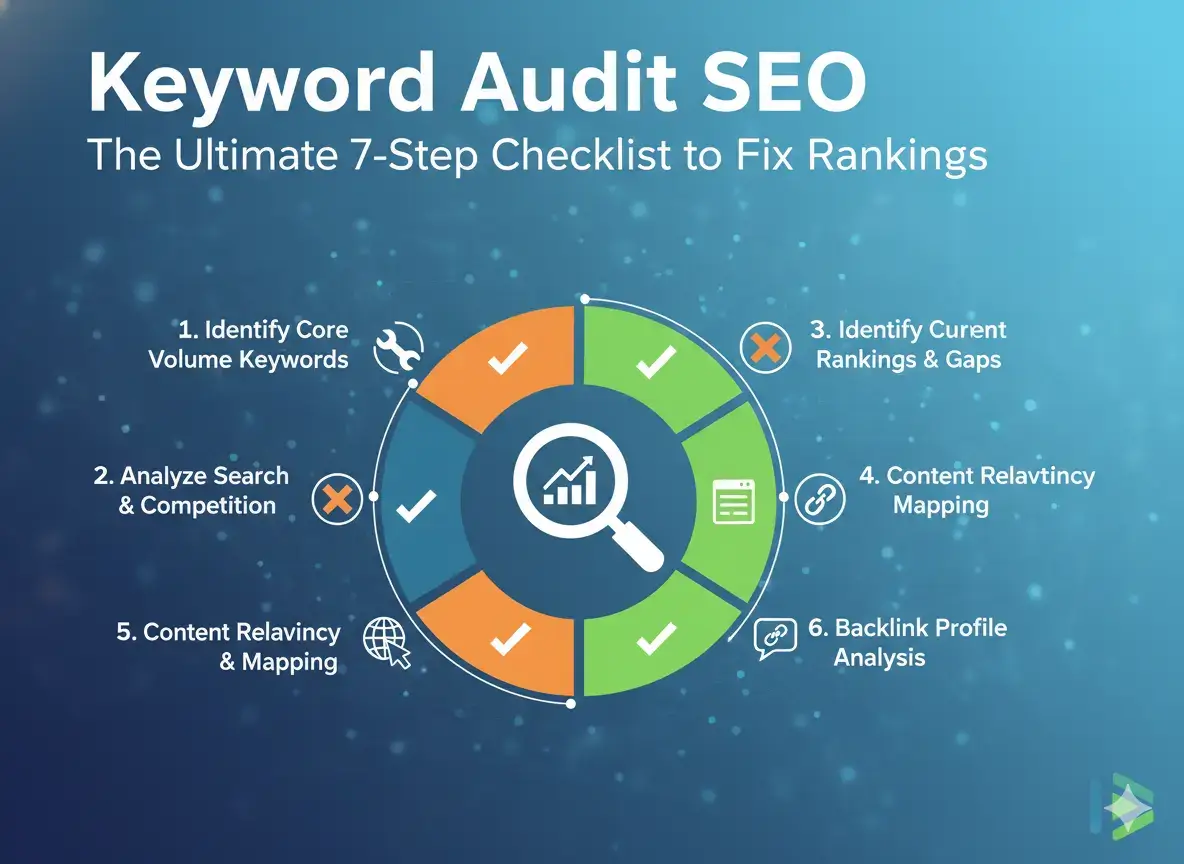
Most site owners respond to a traffic drop by creating new content. New content takes weeks to write and months to rank. But the actual problem is often not a content gap. It is a structural issue: two pages competing for the same keyword, the wrong page ranking for a commercial query, or title tags failing to attract clicks from positions that should be driving traffic.
A keyword audit for SEO finds those problems in hours using data Google gives you for free. This guide walks through the complete 7-step process with a printable checklist, the action categories that turn every finding into a specific task, and a diagnostic shortcut that reveals your highest-ROI fixes in under 10 minutes.
Table of Contents
Why a Keyword Audit Is Worth Doing Before Anything Else
Most site owners respond to ranking problems by creating new content. New content takes weeks to write, months to rank, and may not solve the underlying problem.
A keyword audit often reveals that the ranking problem is not a content gap. It is a structural problem: two pages competing for the same keyword, the wrong page ranking for a high-value term, or title tags failing to attract clicks despite strong positions.
These problems are fixed in hours, not months. And the improvements arrive within weeks, not quarters.
The audit tells you which work to prioritise. Without it, you are guessing.
What a Keyword Audit Finds
A keyword audit for SEO examines four things:
Current performance: Which keywords are driving traffic? Which pages rank for their intended keywords vs. the wrong keywords?
Keyword cannibalization: Where are two or more pages competing for the same keyword? This is the most common problem on established sites.
Underperforming pages: Which pages are close to high-visibility positions but need improvement? These have the highest ROI because they already have relevance signal.
Keyword gaps: Which valuable keywords have no page targeting them? These are your highest-priority content opportunities.
What You Need Before Starting
Required:
- Google Search Console access for the site
- Google Sheets or Microsoft Excel
- Your current URL list (from your sitemap or a crawl tool)
Recommended:
- Screaming Frog SEO Spider (free up to 500 URLs)
- Ahrefs, SEMrush, or Moz for competitor gap analysis
- Google Analytics for engagement metrics
Search Console alone is enough for a thorough audit. Paid tools speed up the process and add competitor data.
Step 1: Crawl the Site
Get a complete picture of every page that currently exists.
- Run Screaming Frog on your domain (free up to 500 URLs)
- Export all indexable HTML pages
- Filter out: CSS, JavaScript, images, PDFs, and pages already carrying a noindex tag
- The remaining URLs are your audit scope
For sites larger than 500 URLs, use your XML sitemap plus Search Console’s URL inventory as the URL source.
Checklist item: Full list of indexable URLs captured.
Step 2: Export Search Console Performance Data
- Open Google Search Console
- Go to Performance, then Search results
- Set date range to the last 12 months
- Make sure both Queries and Pages dimensions are active
- Click Export to download
You now have a dataset showing every keyword-to-URL relationship: which pages receive impressions and clicks for which queries.
Checklist item: Search Console data exported with 12 months of queries and pages.
Step 3: Map Keywords to Pages
Create a combined view in your spreadsheet.
- Take your URL list from Step 1
- For each URL, find its top-ranking keyword from the Search Console export (the query with the highest impressions)
- That query is the page’s “de facto primary keyword”
- Flag URLs with zero impressions across all keywords
At the end of this step, every page has either a primary ranking keyword or a “no impressions” flag requiring investigation.
Checklist item: Each page matched to its primary ranking keyword.
Step 4: Find Keyword Cannibalization
This is where most established sites have hidden problems.
- In your Search Console export, filter to show queries appearing with more than one URL
- For each such query, compare the position of each URL
- Flag cases where an unintended page ranks above the intended target
High-priority flags:
The wrong page is in positions 1 to 10 while the correct page is further back. Rankings for a commercial keyword show wide week-to-week swings. A key page has strong backlinks but weaker rankings than expected.
For each flagged case, apply the appropriate fix from the 5 methods in How to Fix Keyword Cannibalization.
Checklist item: All cannibalization cases identified and flagged by priority.
Step 5: Identify Underperforming Pages
An underperforming page has ranking potential it is not reaching. Two signals make them easy to find.
High impressions, low CTR:
If a page gets many impressions but a click-through rate below 2% from positions 1 to 5, the title tag and meta description are failing to attract clicks. Rewrite them. This is the highest-value, lowest-effort fix in most audits.
Positions 6 to 20:
Pages here are close to high-visibility positions. They already have relevance signal. Improving content quality, on-page optimisation, and internal links can move them to positions 1 to 5. These pages deliver the highest ROI per unit of SEO effort.
Checklist item: Underperforming pages identified by position range and CTR ratio.
Step 6: Find Keyword Gaps
Keyword gaps are valuable keywords with search volume and no page targeting them on your site.
Method A: Competitor gap analysis.
Use Ahrefs or SEMrush’s keyword gap tool. Compare your domain against 2 to 3 competitors. The tool surfaces keywords they rank for that you do not.
Method B: Topic expansion.
List every core topic your business covers. For each topic, brainstorm every subtopic, question, and use case. Cross-reference against your current URL list.
Method C: People Also Ask collection.
Search your primary keywords in Google. Collect all PAA questions. Match against existing pages. Unanswered questions with meaningful volume are gap candidates.
Checklist item: Keyword gaps documented with volume estimates and intent types.
Step 7: Build the Action Plan
Every audit finding needs a specific, assigned action.
| Action | What It Means |
|---|---|
| Optimise | Improve title tag, H1, meta description, or content depth |
| Consolidate | Merge two competing pages, redirect the weaker one |
| Redirect | Replace one URL with another |
| Deindex | Add noindex to remove from search while keeping the page live |
| Delete | Remove the page and redirect the URL |
| Create | Publish a new page for a gap keyword |
Record for each item: URL, action type, target keyword, rationale, and priority (High, Medium, or Low).
Checklist item: Complete action plan with each finding assigned an action and priority.
The Full Keyword Audit SEO Checklist
- Site crawled, all indexable URLs captured
- Search Console performance exported (12 months, queries and pages)
- Each page mapped to its primary ranking keyword
- Cannibalization cases identified and priority-flagged
- Underperforming pages identified by position range and CTR ratio
- Keyword gaps documented with volume and intent
- Action plan built with specific categories for each finding
- Baseline metrics recorded for post-audit comparison
- Actions assigned to responsible team members or timeline
- Re-audit scheduled 90 days after implementing primary changes
How Often to Run a Keyword Audit
| Site Type | Frequency |
|---|---|
| Publishing 5 or more pages per month | Every quarter |
| Established site, moderate content | Twice per year |
| Static site, minimal new content | Once per year |
| After a major Google algorithm update | Immediately |
| After any site migration | Within 30 days |
Frequently Asked Questions
How long does a keyword audit take?
For a site with up to 100 pages using only Search Console, expect 2 to 4 hours. For 500 or more pages with multiple tools, expect 1 to 2 days. Focus the first session on high-traffic and high-revenue sections.
Do I need a paid tool?
No. Search Console alone is sufficient for a thorough audit. Paid tools accelerate the process and add competitor gap analysis.
What is the most common finding?
Keyword cannibalization on established sites. Most sites publishing content for more than a year have multiple cannibalization cases they are unaware of.
Related articles: