
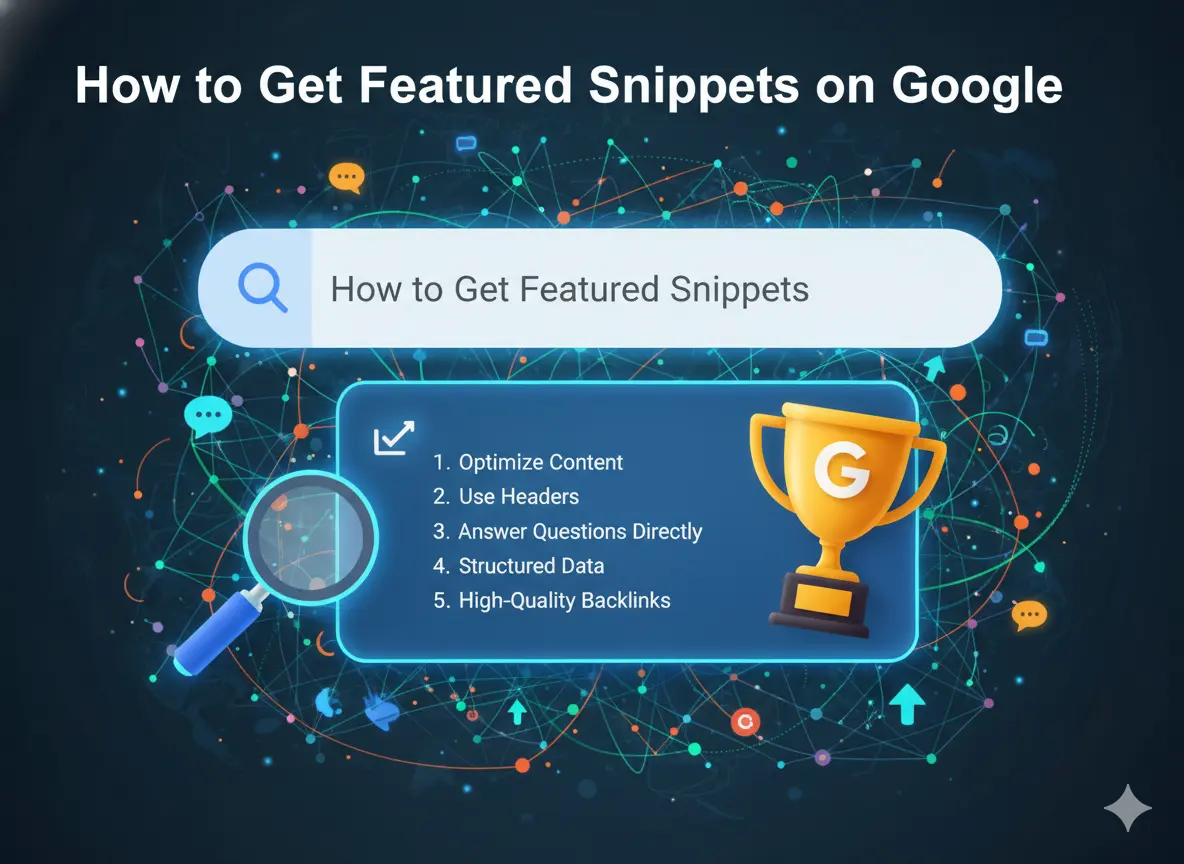
Understanding how to get featured snippets on Google is one of the highest-leverage skills in modern SEO. Featured snippets appear above all standard organic results. They are called “position zero” for a reason. They receive clicks from users who never scroll past the first visible answer on the page.
But featured snippets are just one of several SERP features available. People Also Ask boxes, AI Overviews, video carousels, comparison tables, and image packs all occupy prime first-page real estate. Each can be targeted with the right content structure and schema markup.
This guide covers 6 proven snippet formats, the exact content structure that wins each one, and the technical schema steps that unlock rich results in Google search.
Table of Contents
What Are SERP Features and Why Should You Optimize for Them?
Standard Google results, ten organic links on a page, are increasingly rare. Modern search results are dynamic environments filled with multiple content types, each designed to answer specific query types more efficiently.
SERP features are the non-standard elements appearing alongside or above organic results. Each is triggered by specific query types and satisfied by specific content structures.
Winning SERP features matters for three concrete reasons:
Visibility above position one. A featured snippet can elevate a page ranking fifth or sixth above every other organic result. Google pulls snippets from the page it considers the best direct answer, not necessarily the highest-ranked page.
AI citation advantage. Google AI Overviews, Perplexity, and ChatGPT frequently cite content that already holds featured snippets. These pages have demonstrated to Google that they provide direct, accurate answers. AI tools inherit that judgment.
Voice search dominance. Google Assistant and Siri predominantly read featured snippet text as their spoken responses. Winning a snippet means your content is the answer delivered to every voice searcher on that query.
SERP Feature Quick Reference Table
| SERP Feature | What Triggers It | Content Format That Wins |
|---|---|---|
| Featured Snippet | Questions, definitions, how-to queries | 40 to 60 word paragraph below a matching H2 |
| People Also Ask | Nearly all informational queries | 2 to 4 sentence Q and A under question headings |
| AI Overview | Complex, research-style queries | EEAT content with structured headings |
| Video Carousel | How-to, tutorial, review queries | YouTube video plus VideoObject schema |
| Image Pack | Visual and product queries | Optimized images with descriptive alt text |
| Local Pack | Near me and local service queries | Google Business Profile plus local citations |
How to Get Featured Snippets on Google: 6 Proven Content Formats
Format 1: Paragraph Snippets (40 to 60 Words)
Paragraph snippets are the most commonly appearing featured snippet type. Google extracts a concise paragraph that directly answers a question and displays it in a boxed format at the top of the SERP.
When they appear: Definition queries (“What is domain authority?”), “why” questions, “how does” questions.
The exact structure that wins:
Write an H2 heading that mirrors the user’s exact question. Immediately below it, write a 40 to 60 word paragraph that answers the question completely and stands alone without context.
The answer must be self-sufficient. A user reading only that paragraph should leave with a complete answer, not a partial one.
Example structure:
## What Is Keyword Difficulty in SEO?

Keyword difficulty (KD) is a 0-to-100 score that estimates how hard
it is to rank in the top 10 Google results for a specific query.
Scores under 30 indicate low competition. Scores above 70 indicate
significant competition from high-authority domains. Most SEO tools
including Ahrefs, Semrush, and Moz calculate KD differently,
so scores are not comparable across platforms.
The heading matches the question. The paragraph answers it completely in under 60 words. That structure is exactly what Google’s snippet extraction looks for.
Format 2: Numbered List Snippets
Numbered list snippets display a sequential list directly in the featured snippet box. They are common for process queries and ranked step sequences.
When they appear: “How to [do X] steps,” “best ways to [do Y],” “top X factors for Z.”
The exact structure that wins:
Write an H2 matching the question. Place a numbered list immediately below it with no introductory paragraph between them. The closer the list is to the heading, the more likely Google is to extract it.
Keep each item between 5 and 15 words. Google typically displays 5 to 8 items before showing a “more items” link. Structure your list to be complete within 8 items.
Format 3: Bulleted List Snippets
Bulleted list snippets work the same way as numbered list snippets but for non-sequential content.
When they appear: “Things to know about X,” “common mistakes in Y,” “best practices for Z.”
Use the same structure: H2 heading followed immediately by bullet points. Each point should be a complete thought in 5 to 15 words.
The non-sequential nature distinguishes bullet lists from numbered lists. Use bullets when order does not matter. Use numbers when order is the point.
Format 4: Table Snippets
Table snippets pull structured HTML tables from pages and display them directly in the SERP. They appear for comparison and data-organized queries.
When they appear: “[X] vs [Y]” comparisons, pricing tables, specification lookups, benchmarks by variable.
The exact structure that wins:
Build a genuine HTML table (not an image of a table). Add a clear, descriptive header row. Place a heading immediately above the table that matches the comparison query.
Keep the table focused: 3 to 6 columns maximum. Tables wider than this do not render well in snippet format and may not be extracted.
Target queries for table snippets:
- “Domain Authority vs Domain Rating comparison”
- “LCP vs CLS vs INP benchmarks”
- “Free vs paid keyword research tools”
Format 5: How-To Step Snippets
How-to snippets display numbered steps in the SERP with optional images for each step. Adding HowTo schema markup makes your content explicitly eligible for this format.
When they appear: Direct process queries (“how to add schema to WordPress”), installation guides, setup tutorials.
The exact structure that wins:
Use an H2 heading matching “How to [do the thing].” Number each step using its own H3 heading (example: “Step 1: Install the Plugin”). Keep each step description to one to three sentences. Add HowTo JSON-LD schema explicitly marking up each step.
Include images for steps where possible. Step images appear in rich how-to snippets and increase CTR significantly.
Format 6: People Also Ask Optimization
People Also Ask boxes appear on nearly every informational SERP. Each question is an individual ranking opportunity, separate from your main organic position.
How Google selects PAA answers:
Google looks for pages that contain the exact question (or a close match) as a heading, with a self-contained 2 to 4 sentence answer directly below it, supported by a page with strong EEAT signals.
The answer does not need to be on the page ranking number one. Google pulls PAA answers from a wide range of sources independently.
How to target PAA questions:
Search your keyword and manually record all visible PAA questions. Clicking each question to expand it reveals additional related questions, creating a branching tree of FAQ targets.
Tools like AlsoAsked.com map PAA question trees visually. AnswerThePublic generates question-based keywords from seed terms.
Add a FAQ section to every article using exact PAA question phrasing as H3 headings. Write 2 to 4 sentence self-contained answers directly below each heading.
The FAQPage schema requirement:
Add FAQPage structured data to your FAQ sections. This tells Google explicitly which questions and answers on your page are structured for extraction.
Each Q and A pair in your schema must exactly match the visible content on the page. Mismatches cause Google to reject the markup.
How to Appear in Google AI Overviews
Google AI Overviews generate a synthesized answer at the top of search results for many queries. They pull from multiple sources and cite them directly.
Getting cited in AI Overviews requires being the type of page Google considers reliable and authoritative enough to reference.
Content Qualities That Increase AI Overview Citation Probability
Clear, confident factual statements. AI Overviews pull specific claims and statistics. Write declaratively: “Domain Authority scores above 60 indicate strong competitive potential.” Not: “Domain Authority might possibly indicate something about competitive potential in some situations.”
Named, credentialed authors. AI tools inherit Google’s trust evaluation. A named expert author signals that the content comes from a reliable source.
Original data and specific examples. AI tools prefer primary sources. If you have original data, case studies, or specific examples that support a claim, those are citation magnets.
Well-structured H2 to H3 hierarchy. AI Overviews pull specific sections from articles. Pages with clean structural hierarchy make it easy for AI to extract relevant sections. Dense, unstructured paragraphs do not get cited.
For a complete system of building the EEAT signals that underpin AI citation eligibility, read our EEAT SEO guide.
Schema Markup Reference: Every Schema Type for SERP Features
| Schema Type | Use Case | SERP Feature Unlocked |
|---|---|---|
| FAQPage | Pages with Q and A sections | PAA dropdowns and rich results |
| HowTo | Step-by-step instructional content | Step-by-step rich snippet |
| VideoObject | Pages with embedded video | Video thumbnail in results |
| Article | Blog posts and guides | Better indexing and author attribution |
| BreadcrumbList | Site navigation hierarchy | Breadcrumb trail in SERP URL |
| LocalBusiness | Local business information | Local pack eligibility |
| Product | E-commerce product pages | Price and availability in results |
Validate all schema at Google’s Rich Results Test before publishing. Invalid schema is ignored, not partially processed.
For guidance on integrating schema markup with your on-page content structure, read our on-page SEO optimization guide.
Tracking Your SERP Feature Wins
Google Search Console shows when your pages appear at positions Google labels as special features. Watch for sudden CTR spikes on specific page/query combinations. This often signals a featured snippet win.
Semrush Position Tracking has a SERP features column showing which features your tracked keywords trigger and which you currently own.
Ahrefs Rank Tracker shows SERP features in the organic keyword report. Filter for keywords that trigger featured snippets and see which your site currently holds.
Monitor weekly. Featured snippet positions change with algorithm updates and competitor content improvements. React quickly when you lose a snippet: analyze what changed in the page that took it.
Frequently Asked Questions About Featured Snippets on Google
Can I lose a featured snippet after winning it?
Yes. Featured snippet positions change with every algorithm update, competitor content improvement, or shift in Google’s understanding of the query. Monitor your snippet positions regularly. When you lose one, analyze what the replacing page does differently in format, answer length, and specificity. Then update your answer accordingly.
Does winning a featured snippet reduce organic clicks?
Research shows mixed results. For complex topics requiring more than a 60-word answer, snippets increase clicks because they demonstrate page depth to the searcher. For simple factual queries fully answered in the snippet, clicks sometimes decrease. Monitor CTR before and after winning a snippet for your specific queries.
How long does it take to win a featured snippet?
For pages already ranking positions 2 to 10 for a snippet-eligible keyword, structural changes (adding a direct answer paragraph in the correct format) can produce a snippet within days to weeks of Google re-crawling the page. Pages ranking lower need to improve their overall position before snippet targeting becomes viable.
Can I win a featured snippet ranking at position 5?
Yes. Google does not restrict featured snippets to the first-ranked result. If your page provides the clearest, most directly answerable response to the query, Google can extract a snippet from position 5, 6, or lower. This is one of the most valuable aspects of snippet optimization: it offers a visibility boost partially independent of your ranking position.
Key Takeaways
SERP features are not random. They are consistently awarded to pages using the right content structure, schema markup, and EEAT signals.
How to get featured snippets on Google:
- Place a heading that mirrors the exact user question
- Write a 40 to 60 word self-contained answer immediately below the heading
- For numbered steps: place the list directly under the H2 without a preamble paragraph
- For tables: build genuine HTML tables with clear header rows
- For how-to snippets: use numbered H3 steps and add HowTo schema
For People Also Ask: build FAQ sections with exact PAA question phrasing as headings, 2 to 4 sentence answers, and FAQPage schema.
For AI Overviews: write with clear declarative statements, named author credentials, original data, and clean H2 to H3 structural hierarchy.
Apply schema markup to every eligible section and validate it before publishing.
This article is part of the complete guide to how to get your website on Google first page. Related reads: