
Most people who try to remove an autocomplete suggestion start by clearing their personal search history. Then the suggestion reappears. They assume Google made a mistake. What they do not realise is that the suggestion was never based on their personal history in the first place.
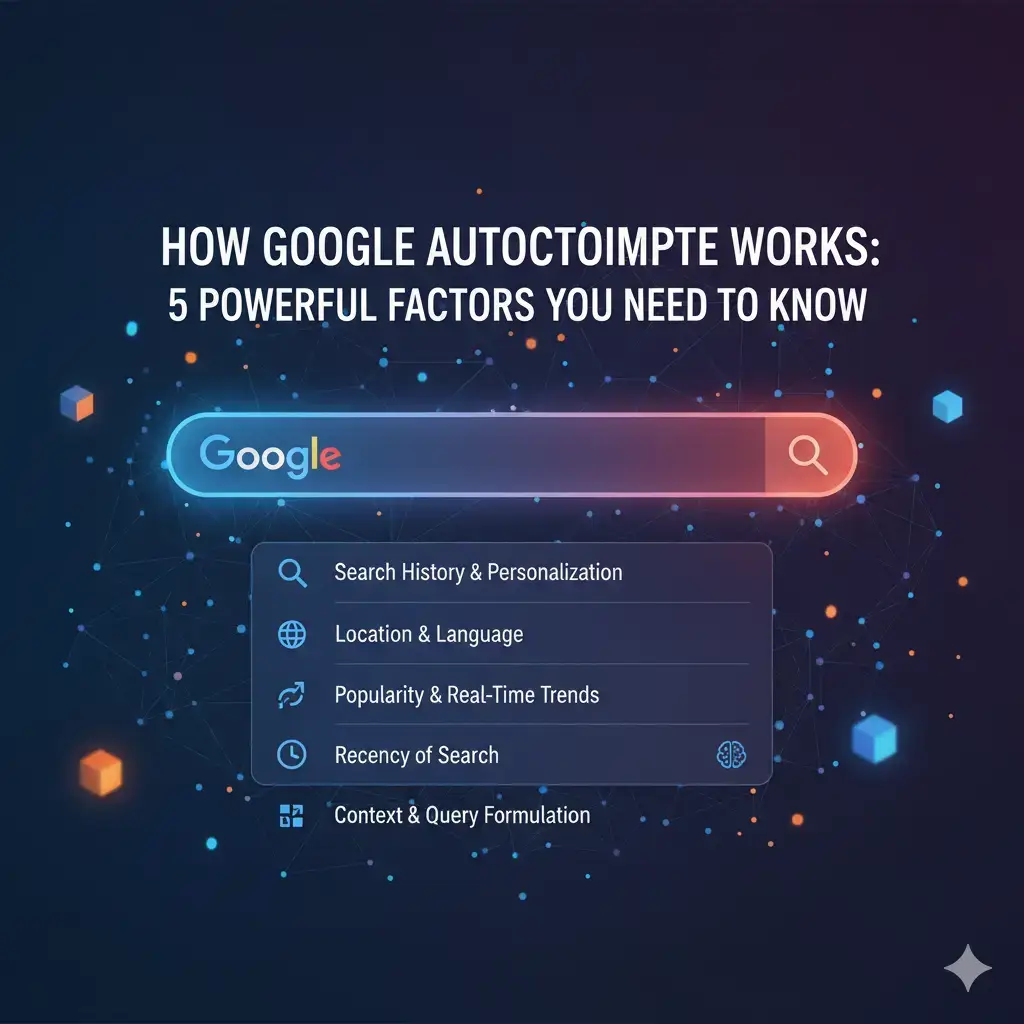
Understanding how Google Autocomplete works changes everything about how you respond to it. The five factors that determine which suggestions appear also tell you exactly why a suggestion exists, whether it can be removed directly, and what it would take to influence it over time. These factors come from Google’s own documentation and the observable behaviour of the system in practice.
Table of Contents
Why Understanding This Changes Everything
Most people try to remove autocomplete suggestions without understanding what is generating them. They clear personal search history. The suggestion remains. They assume Google has it wrong.
What they do not realise: the suggestion may be a public suggestion driven by thousands of real users, not their own history. Clearing personal history never removes public suggestions. A completely different set of tools applies.
Understanding how Google Autocomplete works tells you immediately whether you are dealing with a personal suggestion (easy to remove) or a public one (harder), and what your actual options are.
What Is Google Autocomplete?
Google Autocomplete (also known as Google Suggest) is the predictive text system that suggests query completions as you type in Google’s search bar.
It appears across: Google Search on desktop and mobile, the Google app on Android and iOS, Chrome’s address bar when Google is the default search engine, YouTube’s search (using a similar system), and Google Voice Search.
For brands and public figures, autocomplete is a first-impression system at scale. The suggestions appearing when someone types your name shape their perception before they click a single result. This happens millions of times each day.
Factor 1: Aggregate Search Volume
The single most important factor. Suggestions that appear most often reflect queries that many real users have actually typed into Google.
If enough users search “[Your Brand] + fraud” in a given period, that phrase accumulates enough volume to enter autocomplete. A phrase searched by only a handful of users will not appear.
This is why autocomplete is often described as a mirror of human search behaviour. It reflects what the collective population of Google users is actually searching. This is also why suggestions based on genuine search volume are so difficult to remove: the signal is real user data, not Google’s editorial judgement.
Factor 2: Recency and Trending Searches
Google strongly weights recent and trending search activity. A topic searched heavily this week carries more autocomplete weight than the same topic searched heavily two years ago.
Breaking news, viral social media posts, and trending controversies can generate autocomplete suggestions within hours of the triggering event. Topics that generated heavy searches years ago fade as search volume declines.
Implication for reputation management: A recent event creates the strongest, freshest autocomplete signals. The window to act is during and immediately after the event, before the suggestion becomes entrenched.
Factor 3: Your Personal Search History
When you are signed into your Google Account, autocomplete suggestions are partially personalised based on your own previous searches. Queries you have typed before appear as suggestions for new searches.
This means two signed-in users can see different autocomplete predictions for the same partial query. Your personal history modifies what you see.
The essential test:
Open a private or incognito browser window without signing in to Google. Type the same partial query. If the suggestion disappears, it is personal. If it still appears, it is a public suggestion seen by every user.
For removing personal suggestions, read How to Remove Google Autocomplete Suggestions.
For addressing public brand suggestions, read How to Remove Negative Google Autocomplete Suggestions.
Factor 4: Geographic Location
Google factors your location into autocomplete predictions. Searches common in your city, region, or country appear more prominently for users in that location.
A local business name may appear as an autocomplete suggestion for users in the same city but not appear at all for users in other regions. A regional controversy may generate strong autocomplete signals in one country but no signal elsewhere.
For international brands: Test autocomplete from multiple geographic locations using VPN connections to different regions. The autocomplete landscape may vary substantially by market, requiring different strategies in different regions.
Factor 5: Google’s Quality Filters
Google applies algorithmic and human-reviewed quality filters to remove suggestions that violate its policies. Filtered categories include:
- Sexually explicit content
- Hateful or violent content targeting people or groups
- Dangerous content promoting self-harm or illegal activities
- Personally identifiable information in sensitive contexts
- Certain suggestions related to active legal proceedings
These filters mean high-volume search phrases do not automatically become autocomplete suggestions if they fall into prohibited categories. But the filtering is imperfect, and violations can persist until they are reported.
Personalised vs. Universal Suggestions
This is the single most important distinction for anyone trying to manage autocomplete.
| Feature | Personalised Suggestion | Universal Suggestion |
|---|---|---|
| Who sees it | Only you when signed in | All users worldwide |
| What creates it | Your personal search history | Aggregate search volume |
| How to confirm | Disappears in incognito window | Visible in incognito window |
| How to remove | Delete your Google search history | Policy request or suppression strategy |
Most brand reputation concerns involve universal suggestions. Personal suggestions are easy to remove by clearing history. Universal suggestions require a fundamentally different approach.
How to Audit Your Brand’s Autocomplete Presence
Run this test monthly to maintain awareness of your brand’s autocomplete health.
- Open a new incognito window without signing in
- Type your brand name alone. Document all suggestions.
- Type your brand name plus “reviews.” Document all suggestions.
- Type your brand name plus “vs.” Document which competitors appear.
- Type your brand name plus “scam” or “complaints.” Document what appears.
- Type your founder or CEO’s name. Document what appears.
Document each session. Track changes month to month. Changes in the autocomplete landscape signal shifts in how users are searching for your brand, which is valuable intelligence regardless of reputation goals.
How Quickly Can Suggestions Change?
Appear quickly: A viral event generating high search volume in 24 to 48 hours can produce autocomplete suggestions within days.
Fade gradually: As search volume for a phrase declines, the suggestion weakens over months. High-volume associations can take over a year to fade without active suppression.
Stabilise for years: Persistent associations from major ongoing news stories or controversies remain as long as searches continue.
There is no fixed expiry date. Suggestions persist as long as the underlying search behaviour persists.
Frequently Asked Questions
Does Google Autocomplete show the most searched phrases?
Not exactly. It shows predicted completions based on frequency, recency, location, and personalisation. The most frequently searched phrase is one factor, but recency and location modify the output for each user.
Can businesses add positive phrases to autocomplete?
No. There is no mechanism to directly add suggestions. Autocomplete reflects organic search behaviour. Businesses can indirectly influence it by generating genuine branded search volume around positive associations.
Is autocomplete the same in every country?
No. Suggestions vary significantly by country, reflecting different search behaviours, news cycles, and cultural contexts.
Related articles: