
Every time you publish a new page, a countdown starts. Somewhere between hours and weeks from now, Googlebot will visit that URL, process it, and make a decision that determines whether it ever appears in a search result.
If you want to influence that decision, you need to understand how does Google crawl a website at each stage of that process. Not in theory. In the specific, practical terms that let you engineer your site to move from “discovered” to “indexed” as fast as possible.
If your new pages are taking too long to appear in Google, if you are seeing “Discovered, currently not indexed” in GSC without understanding why, or if you have a JavaScript-heavy site that might not be rendering correctly, this is what you need.
Table of Contents
Who Is Googlebot?
Googlebot is Google’s automated web crawler. It visits URLs, fetches their HTML, executes JavaScript, and sends the processed data back to Google’s servers for indexing.
There are multiple variants. The one that matters most to your rankings:
Googlebot Smartphone is the primary crawler since Google’s switch to mobile-first indexing in 2023. It identifies itself with a mobile user agent. It crawls your mobile site. Its findings determine your rankings for every query on every device.
This means: if your site renders differently on mobile than desktop, or loads slower on mobile, Google’s primary view of your site is the worse-performing version. Desktop optimisation that ignores mobile is half an optimisation.
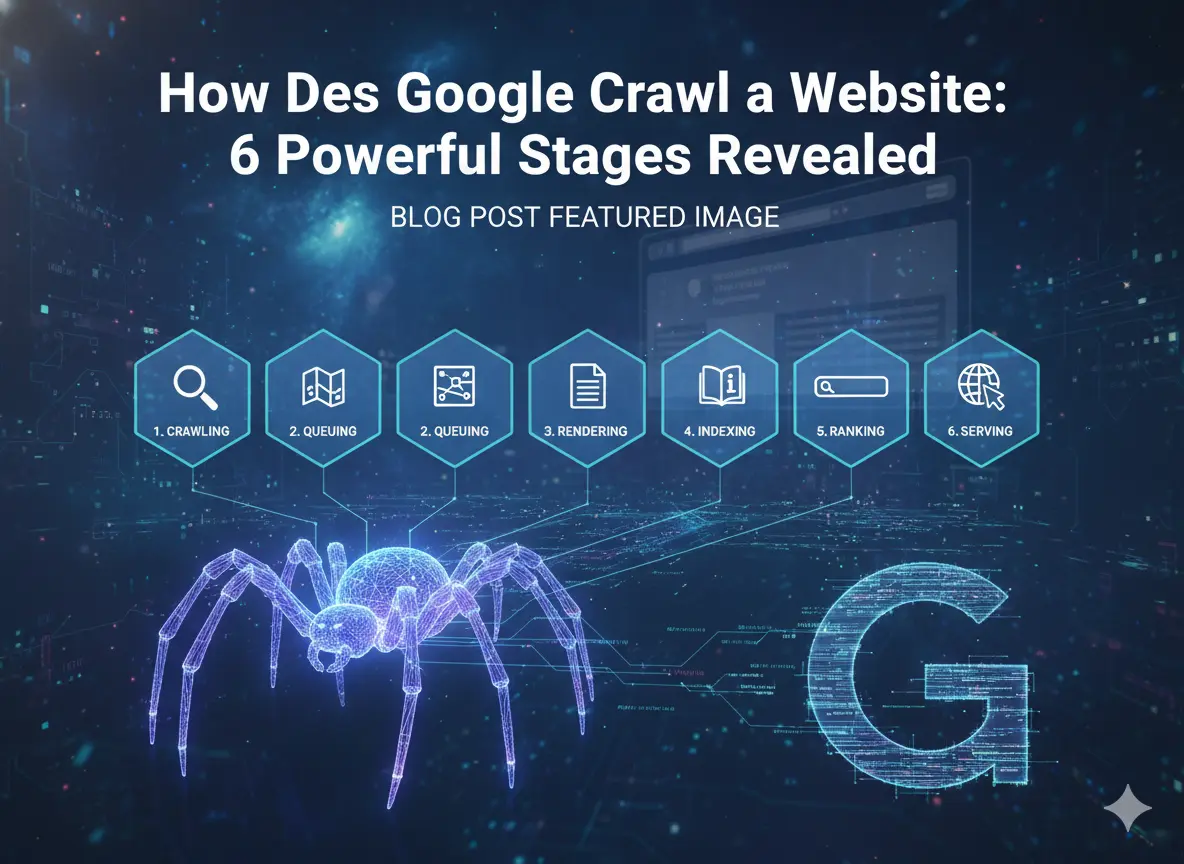
How Does Google Crawl a Website: The 6 Stages
Stage 1: URL Discovery
Googlebot cannot index a page it does not know exists. Discovery happens through four channels:
Internal links on already-indexed pages are the most reliable discovery mechanism. When Googlebot crawls any page, it reads every outgoing link and adds undiscovered URLs to its queue. A page with no internal links pointing to it is an orphan. Googlebot has no path to it and may never find it.
XML sitemap submission via GSC gives Googlebot a direct, structured list of every URL you want indexed. Google treats sitemap-submitted URLs as higher-priority crawl targets. Submit your sitemap, keep it clean, and update it automatically on publish.
External backlinks from other indexed sites accelerate discovery. When Googlebot visits a third-party page and follows a link to your site, it discovers that URL. This is one reason high-authority backlinks improve how quickly new content gets found.
Direct URL submission via GSC URL Inspection is the fastest reliable discovery method you control. Use it immediately after publishing any important new page. Do not wait for organic discovery.
Practical implication: an orphan page with no internal links, not in your sitemap, and no external backlinks may sit undiscovered indefinitely. All three discovery mechanisms should be active for every important page you publish.
Stage 2: Crawl Queue Prioritisation
Discovered URLs do not get crawled immediately. They enter a queue where Googlebot prioritises based on:
- The page’s internal link authority (how many indexed pages link to it)
- Whether the URL is new or recently updated
- Historical crawl yield for your domain
- Server response speed history
This explains a specific frustration many site owners experience: new pages with no internal links from indexed content sit in the queue for weeks while older, well-linked pages get re-crawled constantly. Fix it by adding internal links from your strongest indexed pages to every important new page immediately after publishing.
Stage 3: Page Fetching and Server Response
Googlebot sends an HTTP GET request to your server. Your server responds. Time to First Byte (TTFB) is measured here.
A slow TTFB tells Google your server is strained. Google’s documented response: it automatically reduces the crawl rate for your domain to avoid overloading your server. Fewer crawl requests per day means new content gets discovered and re-indexed less frequently.
Target TTFB under 200ms. The most impactful fix: server-side page caching. A cached page responds in 10 to 50ms. An uncached WordPress page generating database queries responds in 600ms to 1,200ms. The difference directly affects how aggressively Google crawls your site.
Stage 4: JavaScript Rendering (The Stage That Trips Up Modern Sites)
After fetching the HTML, Google processes any JavaScript on the page to build the fully rendered version. This is the stage most responsible for mysterious indexation failures on modern sites.
Here is the critical detail most guides miss: Google operates two separate processing queues.
The first queue processes initial HTML immediately. Content in the raw HTML when the page is first fetched gets indexed promptly.
The second queue renders JavaScript. Pages pending JavaScript rendering can wait days to weeks before Google processes them.
If your site is built with React, Vue, Angular, or client-side Next.js, your initial HTML may be nearly empty. All your content appears only after JavaScript executes. Every page on your site sits in the slower second queue.
How to check right now: Open GSC URL Inspection. Enter any key page URL. Click “Test Live URL.” Click “View Tested Page.” If content visible in your browser is absent from the screenshot, Googlebot cannot see it.
The fix: Server-side rendering (SSR) or static site generation (SSG) puts content in the initial HTML, completely eliminating the rendering queue delay.
Stage 5: Content Analysis
After rendering, Google evaluates the fully rendered page:
- Content quality, depth, and uniqueness
- All outgoing links (which feed back into Stage 1 as new discovery candidates)
- Canonical tag directives
- noindex meta tag directives
- Structured data markup
- Duplicate content comparison against already-indexed pages
Every technical directive you set is read and acted upon at this stage. A canonical pointing to a 404 URL does not consolidate authority anywhere. A noindex tag excludes the page from the index regardless of its content quality.
Stage 6: The Indexing Decision
Google decides whether to add the page to its search index. This decision is not automatic. Pages passing Google’s quality threshold enter the index. Pages failing it appear in GSC Coverage as “Crawled, currently not indexed.”
This status is consistently misdiagnosed as a crawl problem. It is not. The crawl succeeded. The quality evaluation failed. Common causes: thin content with no unique value, near-duplicate content without canonical resolution, or a page with weak internal link signals that Google has not yet determined is worth including.
The technical fix for “Crawled, currently not indexed” is usually not technical. It is content quality improvement.
Crawl Budget: When Does It Actually Matter?
Crawl budget is real, but it is only a meaningful constraint for specific site types.
Crawl budget does not matter much for: sites under 5,000 pages with reasonable server response times and good internal linking. Googlebot will crawl everything.
Crawl budget matters significantly for: eCommerce sites with 10,000+ product pages, news sites publishing hundreds of articles daily, programmatic sites generating hundreds of thousands of URLs, and any site with thousands of uncanonicalised filter parameter URLs.
Signs you have a crawl budget problem:
- New pages take weeks to appear in GSC despite sitemap submission
- Large “Discovered, currently not indexed” counts in GSC
- Server logs show Googlebot repeatedly crawling parameter variants and thin archives while ignoring new content
The most impactful crawl budget fixes: fix all redirect chains (every hop wastes a crawl request), add canonical tags to all parameter URL variants, noindex thin auto-generated archives, and block account and checkout URLs from crawling via robots.txt.
6 Optimisations That Improve Every Stage
- Submit a clean sitemap with only live, canonical, indexable URLs. This improves Stage 1 directly.
- Add strong internal links from indexed pages to every new important page on publication day. This improves Stage 2 queue prioritisation.
- Optimise TTFB to under 200ms with page caching. This protects your crawl rate allocation at Stage 3.
- Use SSR or SSG on marketing pages to eliminate the Stage 4 rendering queue delay.
- Set canonical tags on every page to give Google a clear signal at Stage 5 analysis.
- Improve content quality on “Crawled, not indexed” pages to pass the Stage 6 quality filter.
For diagnosing what Google currently sees on your pages: Google Search Console SEO Audit: 9 Powerful Reports Exposed
Full audit reference: Technical SEO Audit: 14 Proven Steps to Dominate Rankings
Frequently Asked Questions
Why is my new page not appearing in Google after a week?
Most likely causes: the page has no internal links from already-indexed pages, it is not in your XML sitemap, it has a noindex tag, or its content is JavaScript-rendered and sitting in the rendering queue. Use GSC URL Inspection to diagnose the specific URL immediately.
How often does Googlebot crawl my site?
It varies by domain authority and update frequency. High-authority news sites are crawled multiple times per hour. Small, infrequently updated sites may see Googlebot every few weeks. Server log analysis gives the most accurate picture for your specific domain.
What is “Crawled, currently not indexed” in GSC?
It means Google visited your page and chose not to include it in its index. This is almost always a content quality or uniqueness problem, not a technical crawl problem. The page was found. It was rejected. Improving the content quality of the page is the fix.
Does Google crawl JavaScript?
Yes, but with a significant delay. JavaScript rendering happens in a separate processing queue that can take days to weeks. Content that only exists after JavaScript executes may sit unindexed for weeks after a page is first published. SSR or SSG eliminates this delay entirely.
Key Takeaways
- How does Google crawl a website: six stages including discovery, queue prioritisation, fetching, JavaScript rendering, content analysis, and the indexing decision.
- Googlebot Smartphone is the primary crawler since 2023. Your mobile site determines your rankings for all devices.
- The JavaScript rendering queue is the most commonly overlooked cause of indexation delays on modern sites. SSR or SSG eliminates it.
- “Crawled, currently not indexed” is a content quality problem, not a crawl problem. The fix is improving content, not fixing a technical setting.
- Orphan pages with no internal links may never be discovered. Add links from indexed pages to every important new page on publication day.